


Still copying requests into a spreadsheet?
A sheet, an inbox and a payment link get a business started. Winkquote puts the request, the calendar, the money and the day in one place, so the copying stops.
Free to run your business. No card needed.

At a glance
| What | w;nkquote | Spreadsheets and email |
|---|---|---|
| A new request | Arrives as a priced quote | An email to read and price by hand |
| Is the date free? | The form only offers dates you can take | Check the calendar before you reply |
| Deposits and balances | Charged on a schedule, with reminders | Payment links you chase |
| Contracts | Signed online, kept with the booking | PDFs back and forth |
| The crew | A brief on every phone | A group text the night before |
Winkquote details from its own guides, checked October 29, 2026.
Where Winkquote is different
From inbox to booked, without retyping.
The customer's answers become the quote, the quote becomes the booking, and the booking fills the calendar and the crew's brief.
- Instant quotes, or a priced draft for you to review
- Deposits into your own Stripe account
- Follow-ups that stop when they book
Moving over
Bring your clients with you.
Save your sheet as a CSV or Excel file, drop it on Settings → Import and check who comes across before anything is saved.
- Nothing is emailed to your customers
- Undo the whole import for 7 days
- Bring your contract PDFs too
- Client Name Name
- Email Address Email
- Phone Phone
- Event Date Event date
- Lead Source Lead source
- Notes Notes
The details
Where a spreadsheet costs you
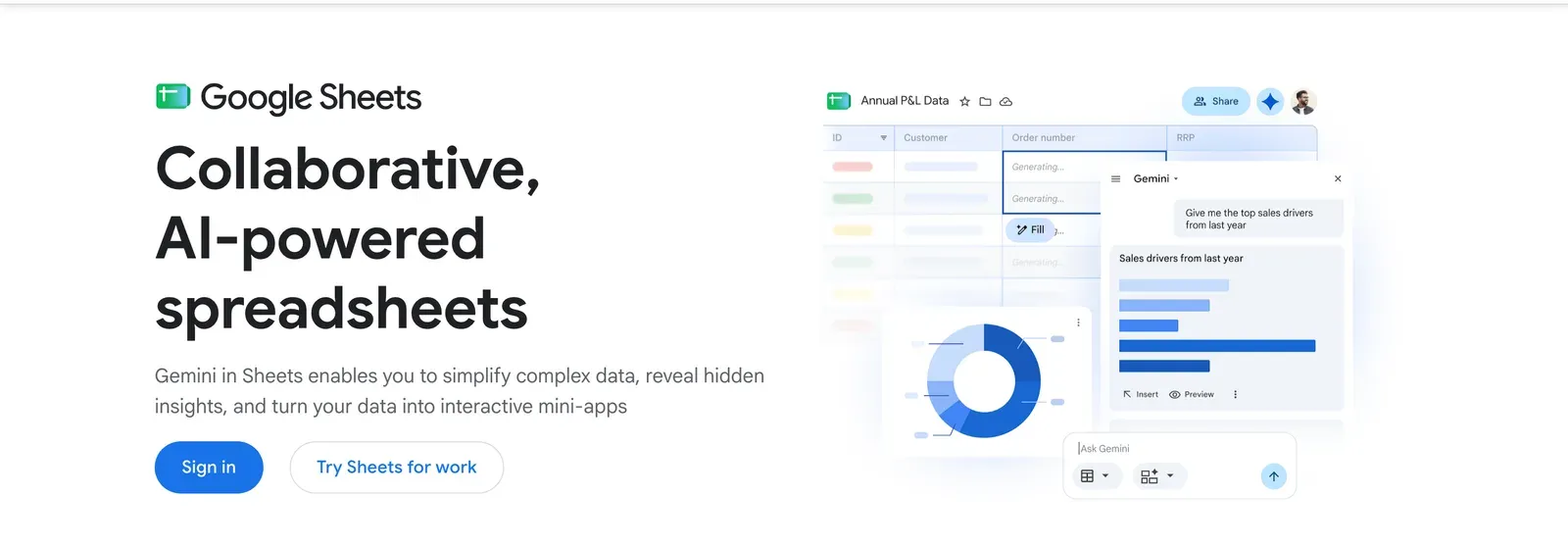
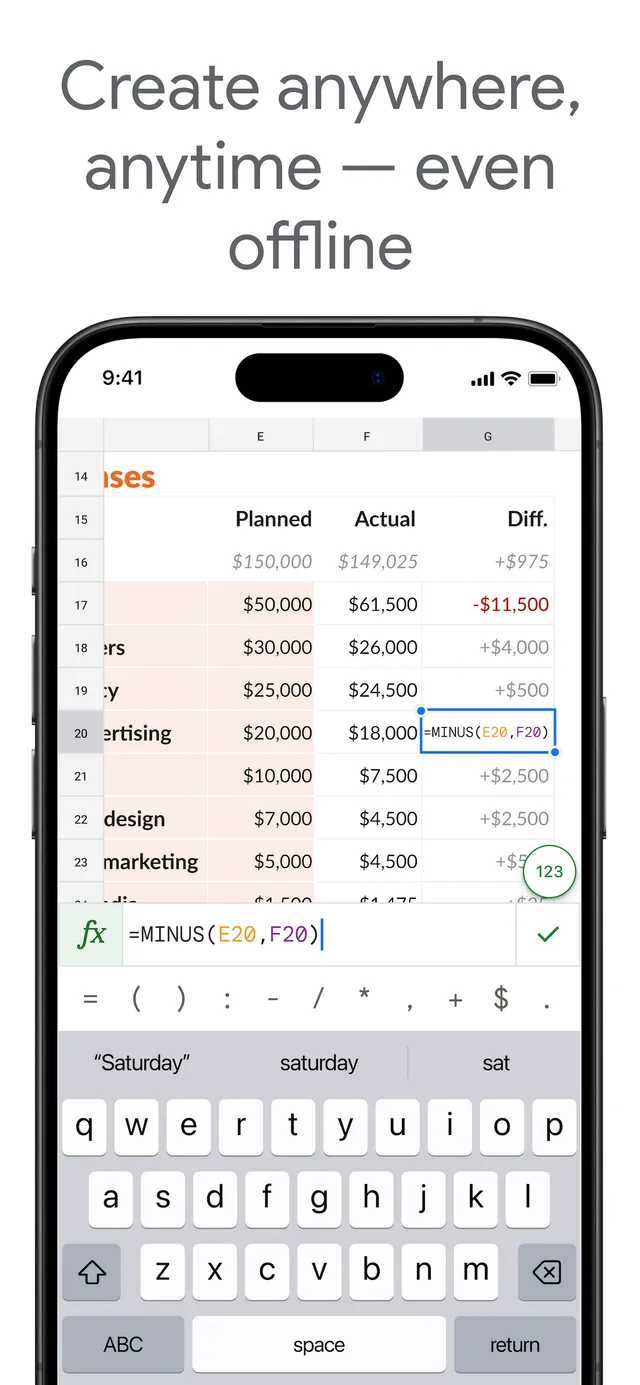
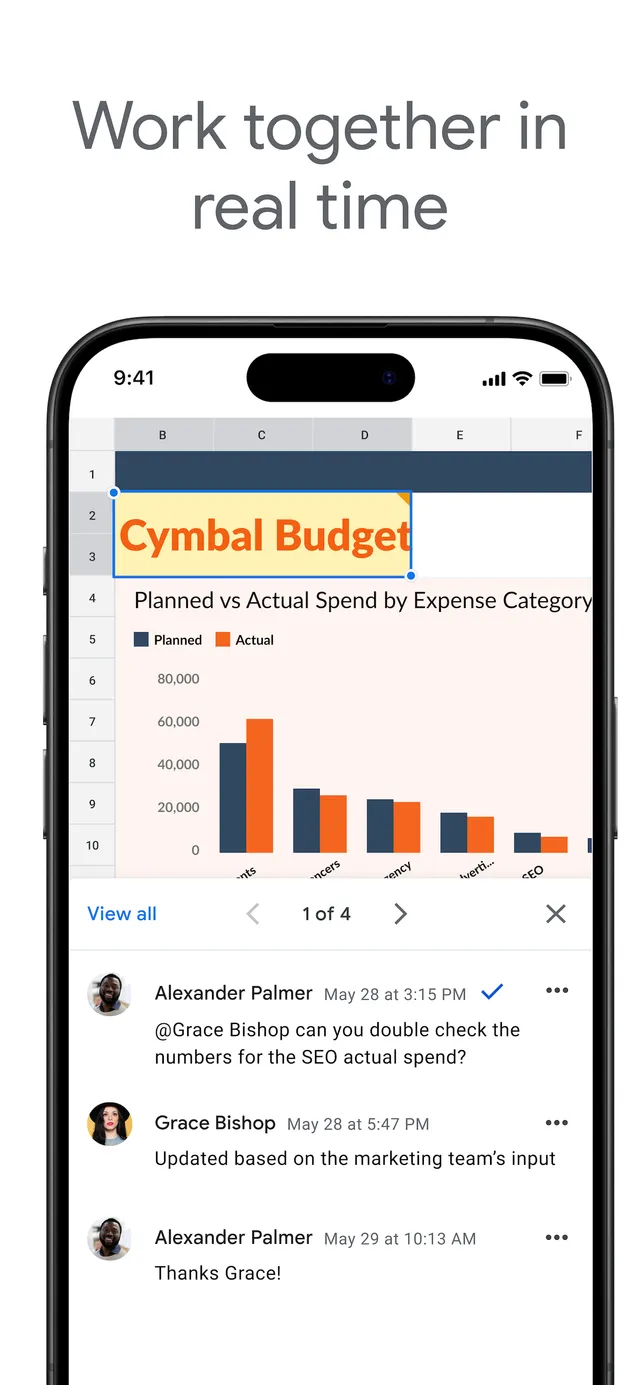
The cost shows up as the business grows: copying a request from an email into the sheet, working out the price by hand, checking the calendar before you reply, chasing a deposit, and texting the crew the address the night before. Each step is small. Together they're the hours you spend on the business instead of in it.
What moves into Winkquote
- The request. Your quote form prices the event as the customer answers, so a request arrives as a priced quote, not an email to read. See Quote forms.
- The calendar. Dates fill from your equipment and crew, so the form only offers what you can take. See Equipment.
- The money. Deposits and balances on a schedule, charged into your own Stripe account, with reminders. See Payments.
- The day. Each person gets a brief with the address, timings and checklist on their phone. See Briefs and checklists.
Bringing your list with you
Export your sheet as a CSV or Excel file and upload it on Settings → Import. Winkquote matches the usual columns (name, email, phone, company, address, event date, notes), keeps any other column on the customer, and shows you who comes in before anything is saved. See Moving from another tool.
Sources: Winkquote's own guides: Quote forms, Equipment, Payments, Briefs and checklists and Moving from another tool, checked October 2026. Google Sheets images from its product page and App Store listing, November 22, 2026.
FAQ
Winkquote vs Spreadsheets and email questions
Can I keep my spreadsheet?
Yes. Your customers, quotes and payments each export as a CSV any time, so the sheet you know can keep going beside Winkquote.
What replaces my quote template?
Your quote form. Customers answer your questions, the form prices guests, hours, add-ons and travel from your rules, and the quote goes out with the deposit ready to pay.
Does Winkquote cost anything?
Running the business is free. Winkquote earns a fee on payments customers make online: 2.9% on every plan. You choose whether it's added for the customer or comes out of your payout, and there's no fee on cash or checks.


Moving from Spreadsheets and email?
Start free and send your first quote today.